Actions & Stuff Expressions Skins
Actions & Stuff Expressions are a special skin feature that adds facial animation to compatible player skins. Oreville Studios describes Expressions as supporting blinking, eye movement and fully animated eyebrows. For full setup and resource guides, visit Actions and Stuff Bedrock.
The important word is compatible. A normal custom skin does not automatically gain the full Expressions system just because Actions & Stuff is active.
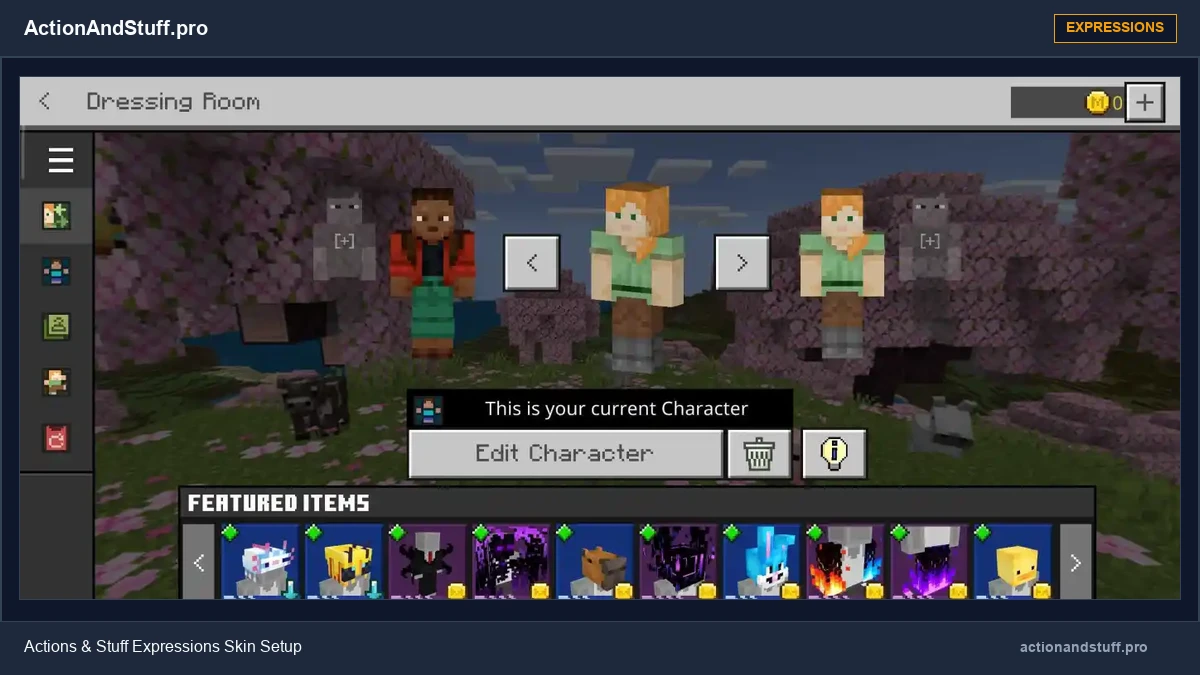
When were Expressions added?
Oreville introduced Expressions as a major Actions & Stuff 1.5 feature. The 1.5 update paired the new facial system with other additions such as diving animations, boat wakes and creature animation updates.
Expressions have since become a distinct part of the Actions & Stuff ecosystem with their own official setup guide and skin resources.
What an Expressions skin needs
Oreville’s guide says Expressions require a specially prepared skin. Players can either use the creator’s Expressions-enabled skin resources or build their own compatible skin using the documented template structure.
The setup separates facial states so the pack can animate blinking, eyes and eyebrows rather than treating the entire face as one static image.
Official skin pack and template
Oreville provides official Expressions resources, including an Expressions-enabled skin pack and a template for creators who want to build their own compatible skin.
For the most current files and instructions, link users to Oreville’s own Expressions guide rather than rehosting or repackaging those creator resources on ActionAndStuff.pro.
Oreville guide: https://guides.orevillestudios.com/Expressions-23fd70150598810b947bddfe1c831360
Creating your own Expressions skin
Oreville describes the custom-skin workflow as an advanced process. Their tutorial uses a structured skin layout and recommends Blockbench for editing/previewing.
A custom Expressions skin can include different facial layers for the normal face, eyes, eyebrows and blink state. The exact template should be taken from the current Oreville resource, not reconstructed from an old competitor screenshot.
If you are making a skin, preserve a backup of the original skin before changing its layout.
Console limitation
Oreville’s current Expressions documentation says custom Expressions skins are not currently available on console because consoles do not provide the normal official custom-skin upload route.
That is a platform limitation in the current guide, not a statement that Actions & Stuff itself is unavailable on console. Xbox, PlayStation and Nintendo players can still use the Marketplace product; the limitation described here is specifically the custom Expressions-skin workflow.
If the face does not animate
First confirm that the skin itself is Expressions-compatible. Then make sure you are using the intended Actions & Stuff version and that another player-skin/resource pack is not overriding the same visual assets.
Do not ‘fix’ a normal skin by randomly moving pixels. Use the official template and tutorial because the skin layout is part of how the feature works.
Expressions vs texture styles
Expressions are not a fourth texture style. Full Experience, Vanilla Experience and Custom Experience control the broader pack presentation, while Expressions are a skin-specific facial-animation system.
See how Expressions integrate into the broader animation pack on our Actions & Stuff features page.