Actions & Stuff on Xbox, PlayStation and Nintendo Switch
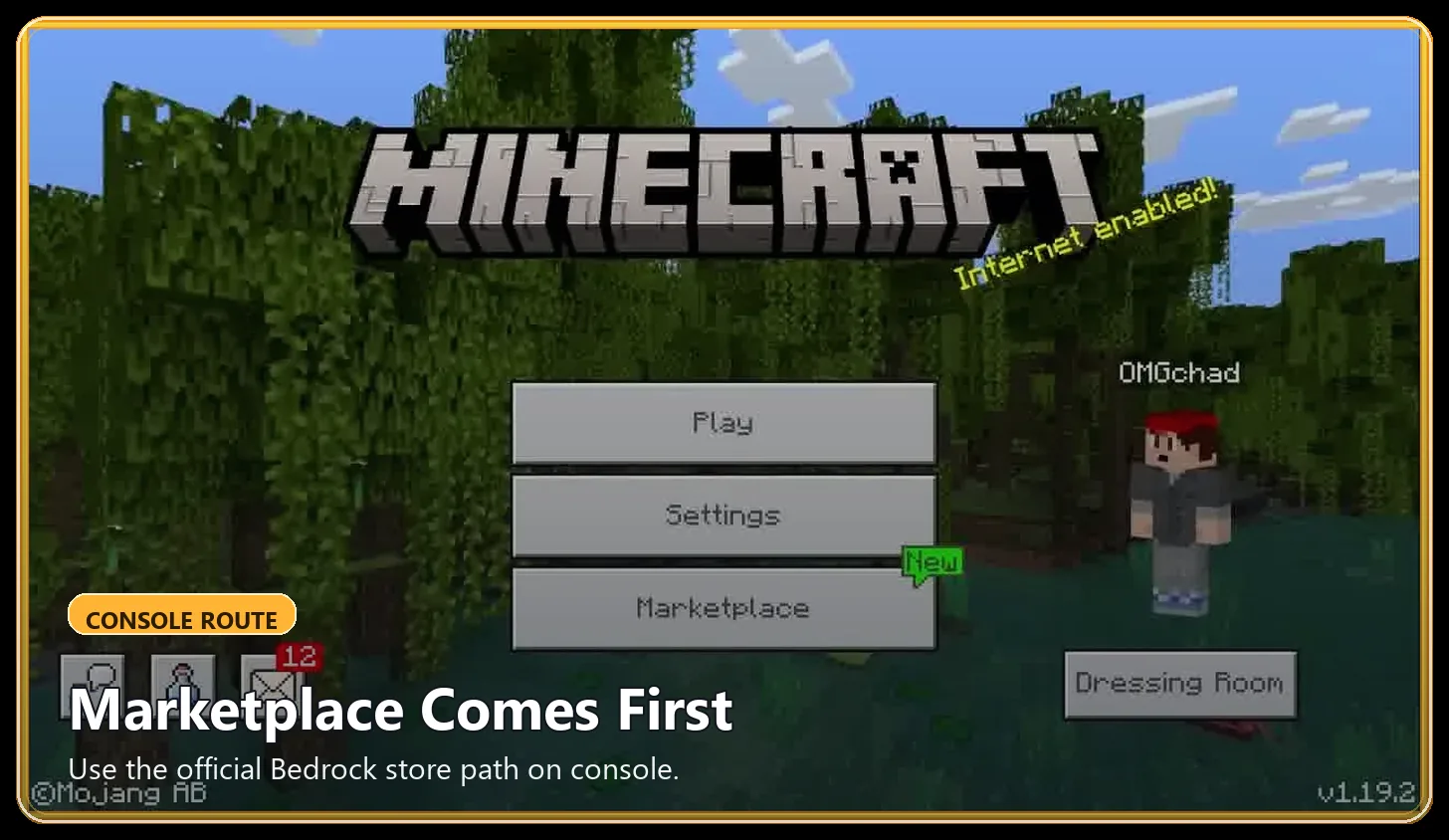
On Xbox, PlayStation and Nintendo Switch, the normal route for Actions & Stuff is Minecraft Marketplace. For full setup and resource guides, visit Action and Stuff.
Actions & Stuff is a Minecraft Bedrock product by Oreville Studios, so console players should not treat a manual .mcpack download as the standard console installation method.
If you play on a console, open Minecraft, sign in with the appropriate account and use Marketplace to find the current creator-published listing.
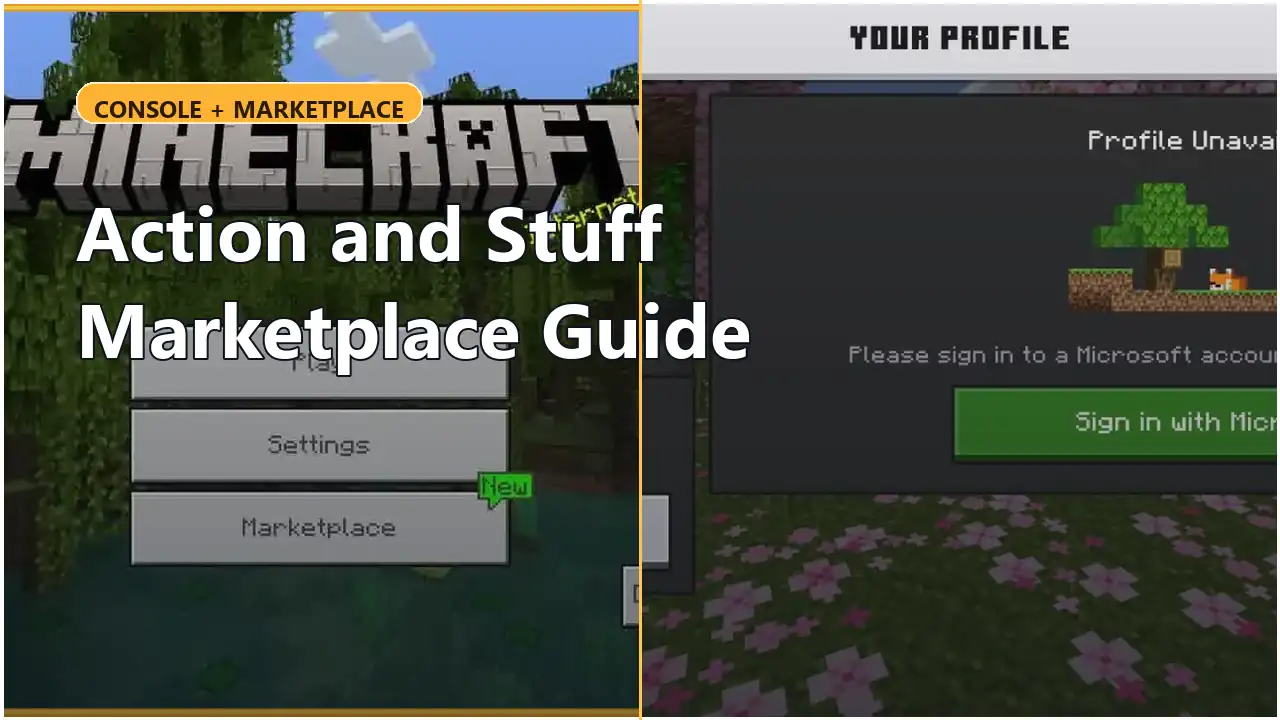
Console quick answer
| Platform | Normal Actions & Stuff route |
|---|---|
| Xbox One / Series X|S | Minecraft Marketplace |
| PlayStation 4 / 5 | Minecraft Marketplace / Store using PlayStation’s Minecraft currency system |
| Nintendo Switch / Switch 2 | Minecraft Marketplace |
| Windows Bedrock | Marketplace or appropriate Bedrock file-import workflow |
| Android / iPhone / iPad | Marketplace or appropriate Bedrock file-import workflow |
The current Marketplace listing should be treated separately from this site’s historical .mcpack archive.
How to find Actions & Stuff on console
The exact store layout can change, but the basic process is:
- open Minecraft Bedrock on the console;
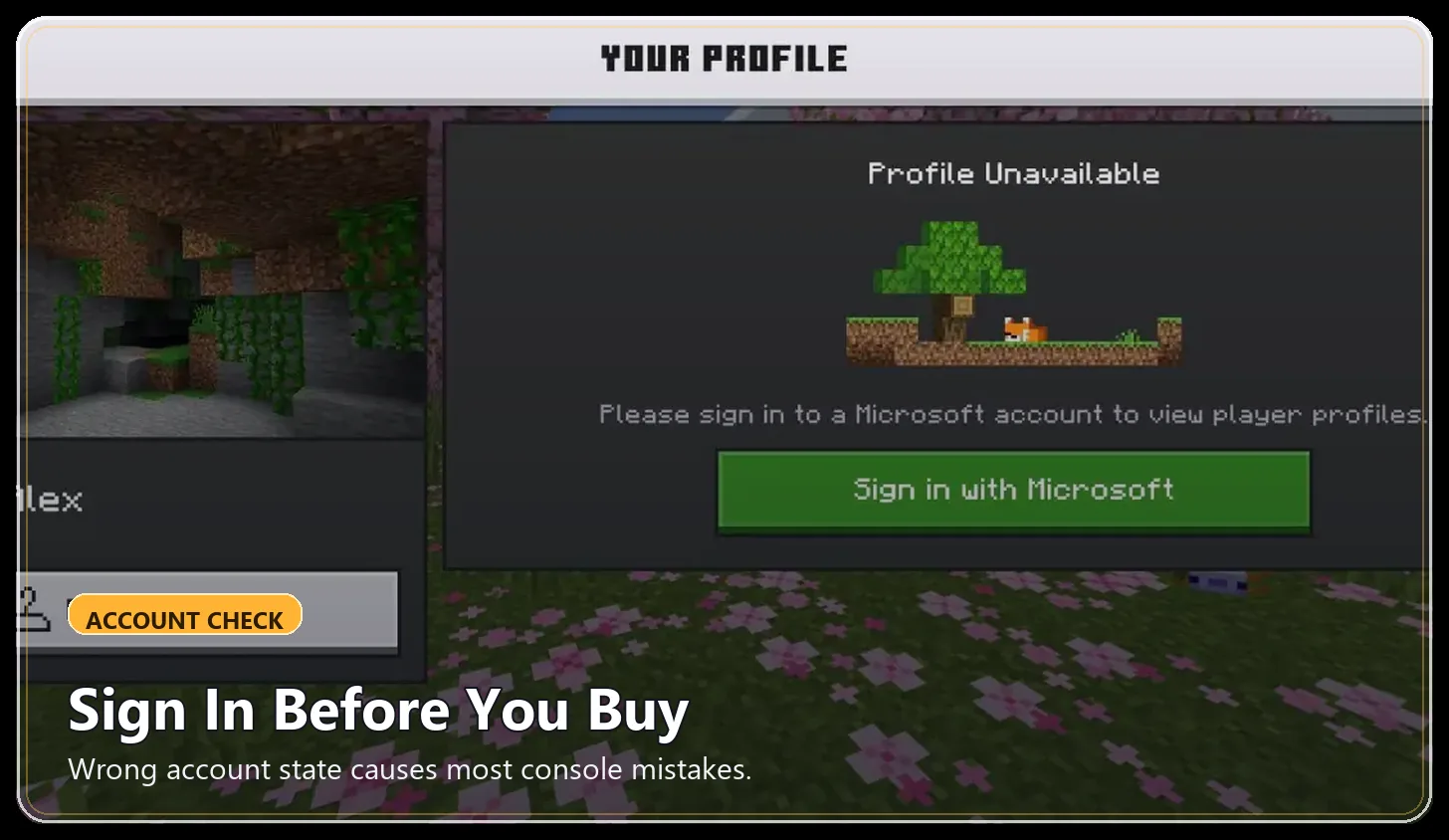
- sign in to the account you use for Minecraft;
- open Marketplace or the Minecraft Store;
- search for Actions & Stuff;
- verify that the creator is Oreville Studios;
- open the product listing;
- review the current price or pass availability shown on your device;
- purchase or access the product through the Marketplace;
- allow Minecraft to download the content;
- activate it for the world where you want to use it.
Do not rely on an old screenshot or an old article price when the console itself shows a newer Marketplace value.
Xbox
For dedicated setup instructions, read our Actions & Stuff on Xbox Guide →.
Minecraft on Xbox uses Bedrock Edition.
Actions & Stuff can therefore be obtained through Minecraft Marketplace using the account attached to your Bedrock profile.
Minecoins are supported on Xbox.
At our September 2026 review, Actions & Stuff is listed at 1,690 Minecoins on Minecoin-based Marketplace platforms.
The live Marketplace screen should still be treated as the final price check before purchase because Marketplace values can change.
PlayStation
PlayStation also runs Minecraft Bedrock, but its Marketplace currency is different.
For new purchases made directly on PlayStation, Minecraft uses Tokens, not Minecoins.
That means a page showing “1,690 Minecoins” should not tell a PlayStation player to expect the same currency label inside the PlayStation store.
If your PlayStation account is linked to a Microsoft account, eligible non-exclusive Marketplace content purchased on another supported platform can also be available through that linked account.
Use the actual PlayStation Marketplace screen for the current Token cost.
Nintendo Switch
Minecraft on Nintendo Switch and Switch 2 uses Bedrock and includes Marketplace access.
Minecoins are currently part of the Marketplace system on Nintendo, but an important wallet change is scheduled.
Starting October 27, 2026, Minecraft says Minecoins purchased on a Nintendo device will be usable only on Nintendo systems, and Minecoins purchased on other devices will no longer be usable for new Marketplace purchases on Nintendo.
Minecoins already owned before that change are planned to move into a Legacy Wallet and remain usable across compatible platforms.
Because this policy is time-sensitive, recheck Minecraft’s current Minecoin documentation after October 27, 2026 rather than leaving this paragraph unchanged indefinitely.
Microsoft and platform accounts
Marketplace access is tied to the accounts used with Minecraft.
Depending on the console, this may include:
- a Microsoft account;
- an Xbox account;
- PlayStation Network;
- a Nintendo account.
If purchased content is missing, first confirm that you are signed into the same relevant account rather than purchasing the product again.
Do not confuse a sign-in/account problem with an Actions & Stuff compatibility problem.
Marketplace version versus this site’s archived files
The Marketplace listing represents Oreville Studios’ current commercial product.
This site’s manual .mcpack pages contain specific historical versions.
Those are different routes.
A console player who simply wants the current supported Marketplace experience should normally use Marketplace rather than trying to move an archived file onto the console.
For the full comparison, see Marketplace vs file download.
How much does Actions & Stuff cost?
At our September 2026 review, the current Marketplace listing shows 1,690 Minecoins on platforms that use Minecoins.
Actions & Stuff is also currently listed in Marketplace Pass.
PlayStation uses Tokens for new purchases, so use the in-game PlayStation store for the exact current Token price.
See the Actions & Stuff price guide for the currency and pass details.
Does console use APK or MCPACK?
An APK is an Android application package.
It is not the normal console route.
A .mcpack is a Bedrock pack file, but consoles generally use Minecraft’s Marketplace/content-management system rather than the manual file-import process used on devices such as Windows or mobile.
If you are comparing the file types themselves, read APK vs MCPACK.
Check official Marketplace availability in our Actions & Stuff 1.11.1 page.