Actions & Stuff Marketplace vs File Download
Compare the current Actions & Stuff Marketplace route with this site’s historical MCPACK downloads, including versions, account ownership and platform differences. For full setup and resource guides, visit Actions and Stuff.
Minecraft Marketplace and a manually downloaded .mcpack are two different ways of obtaining Bedrock content.
For Actions & Stuff, the difference is especially important because the current Marketplace listing has continued to receive updates while this site also preserves specific historical .mcpack releases.
Neither route should be described as though it is the other.
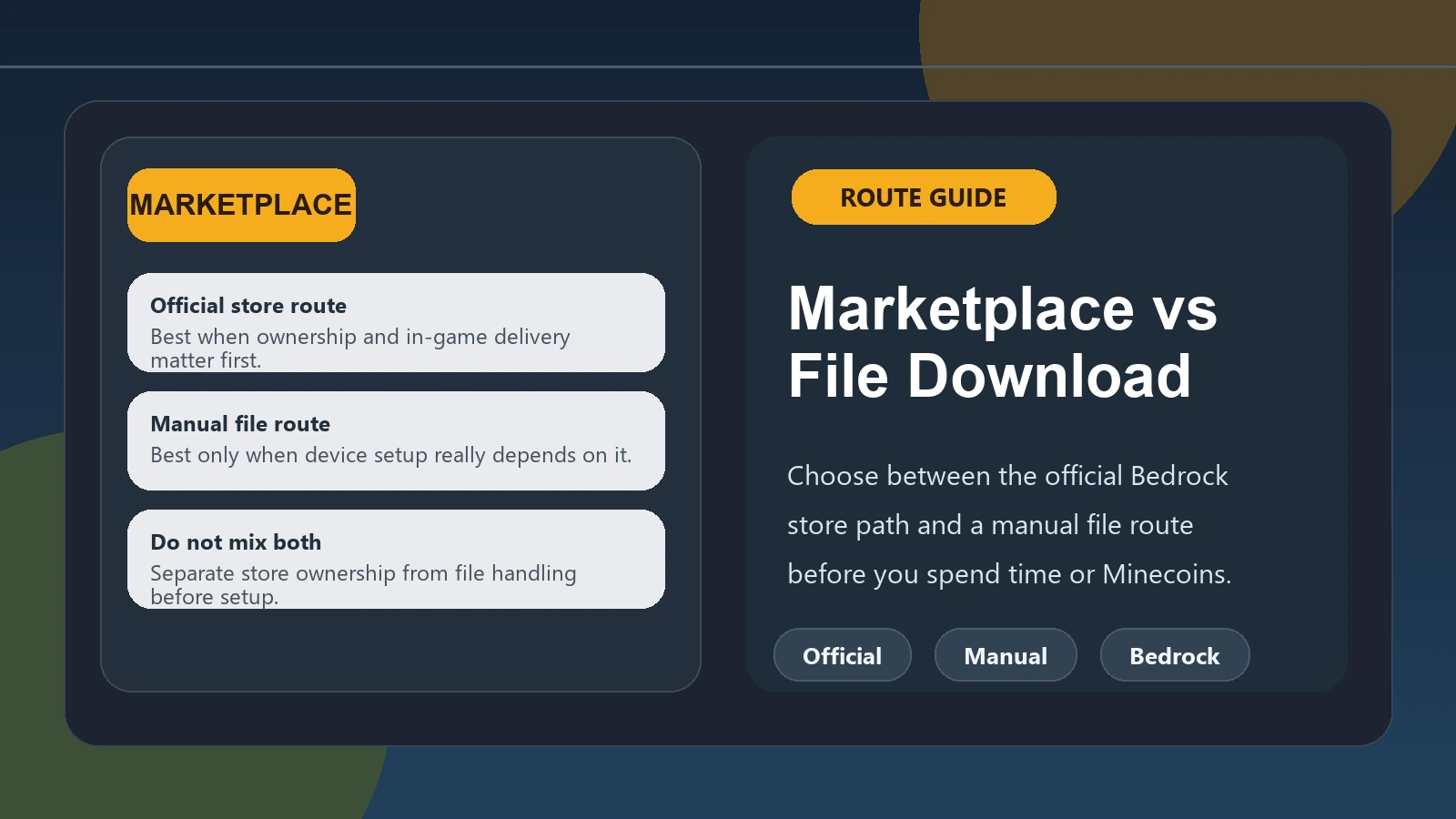
Quick comparison
| Question | Marketplace | Historical file download |
|---|---|---|
| Source | Minecraft Marketplace / Oreville Studios listing | File supplied through this site’s archive |
| Product state | Current creator-published Marketplace listing | Specific historical release |
| Account entitlement | Managed through Minecraft/platform account | No Marketplace purchase entitlement created |
| Updates | Current Marketplace listing can receive creator updates | File remains the specific version downloaded |
| Console use | Normal route | Manual file route is generally not the normal console workflow |
| Windows/mobile | Marketplace available; file import may also be possible | Manual Bedrock .mcpack import |
| Price | Marketplace price/pass rules apply | Separate site-provided historical file route |
| Best for | Current commercial product/account-managed access | Users specifically needing an archived release |
Marketplace route
Minecraft Marketplace is the official Bedrock store for creator-made content.
The Actions & Stuff listing is published there by Oreville Studios.
At our September 2026 review, the listing:
- costs 1,690 Minecoins on Minecoin-based platforms;
- is currently included in Marketplace Pass;
- requires Bedrock 1.21.120 or newer;
- reflects a newer product state than this site’s v1.10 archive.
Marketplace access is managed through Minecraft and the accounts used on the platform.
For a player who simply wants the current creator-published version, this is the clearest route.
Historical file route
This site also provides manually downloadable .mcpack files for specific historical Actions & Stuff releases.
Those files can be useful if you intentionally need an older version.
The manual file route is different because:
- the file represents a specific release;
- it does not create a Marketplace purchase;
- it does not automatically become a newer version when Oreville releases an update;
- installation/import is handled manually on supported devices.
For the archive itself, see Actions & Stuff old versions.
Which route gives you the current release?
Use the current Marketplace listing when your priority is the creator’s current published product.
Do not choose an archived v1.10 file and call it “latest” simply because the file is available for download.
At our September 2026 review, Oreville’s product line has moved beyond the site’s historical v1.10 files.
Which route gives you version control?
A historical file is useful when you intentionally want that exact archived release.
For example, you may be:
- reproducing an older setup;
- comparing versions;
- working with a world/configuration built around that release.
The benefit is knowing which archived file you selected.
The tradeoff is that an old release may not be the best match for a much newer Minecraft build.
Check compatibility before assuming an archived version will behave perfectly on the current game.
What about console players?
Console users should normally use Minecraft Marketplace.
Xbox, PlayStation and Nintendo manage Bedrock content through Minecraft’s console ecosystem.
The manual file-import process used on Windows or mobile should not be presented as the standard console installation method.
See the console and Marketplace guide.
Does Marketplace purchase make the MCPACK file unnecessary?
For a player who only wants the current official product, Marketplace may be all they need.
A historical .mcpack still serves a different purpose when someone specifically wants an older archived release.
The two routes therefore should not be presented as identical alternatives for the exact same user goal.
Does downloading a file give you Marketplace ownership?
No.
Importing a manual .mcpack does not create a Minecraft Marketplace purchase record.
Marketplace ownership/access is handled through Minecraft and the relevant user account.
Does Marketplace Pass count as purchasing the pack?
Marketplace Pass provides subscription access to content included in its current catalog.
That is different from buying an individual Marketplace item outright.
At our September 2026 review, Actions & Stuff is included in Marketplace Pass, but catalog membership can change.
If permanent Marketplace ownership matters to you, review the individual purchase option shown in Minecraft.
Which route should you choose?
Choose based on your actual goal:
Use Marketplace when:
- you want the current creator-published product;
- you are on console;
- you want account-managed Marketplace access;
- you want to use the current Marketplace listing.
Use a historical file when:
- you specifically need one of the archived versions supplied by this site;
- you understand that it is not the current Marketplace release;
- your platform supports the relevant manual Bedrock import workflow.
Do not choose a route solely because one page uses the word “download.”