Actions & Stuff Compatibility with Minecraft Bedrock
Actions & Stuff is built for Minecraft Bedrock Edition, but compatibility depends on both the Minecraft build and the version of Actions & Stuff you are trying to use. For full setup and resource guides, visit Action and Stuff.
At our September 2026 review, the current Marketplace listing requires Minecraft Bedrock 1.21.120 or newer. That requirement applies to the current Marketplace release. It should not be used as proof that every older Actions & Stuff file works with every newer Minecraft build.
The historical downloads on this site, including v1.10 and earlier releases, should be treated as specific older pack versions rather than universal files for all current Bedrock releases.
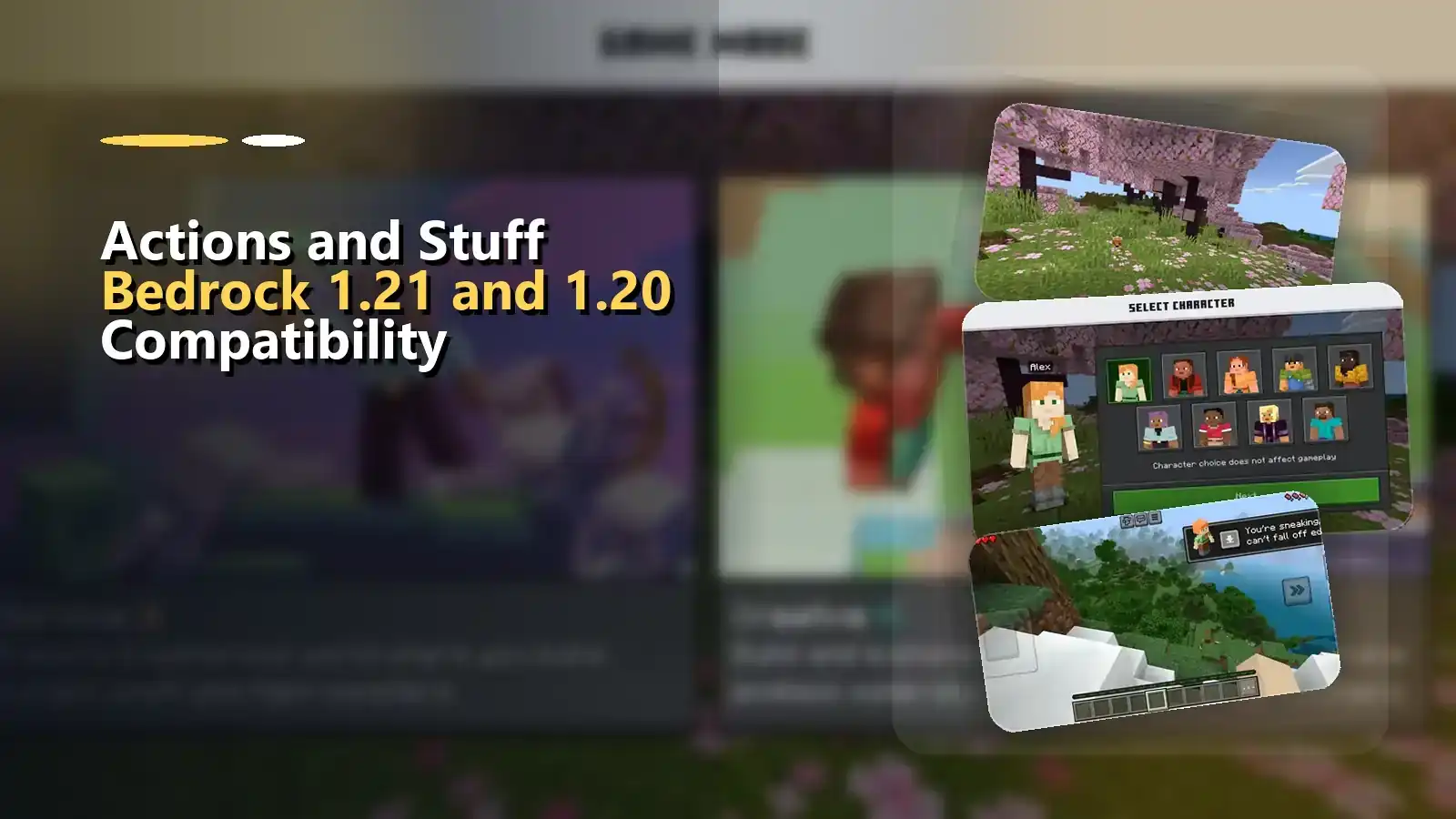
Quick compatibility answer
| Situation | What to know |
|---|---|
| Current official Marketplace release | Intended for Bedrock 1.21.120+ at our September 2026 review |
| Actions & Stuff v1.10 | Historical release; do not assume universal compatibility with newer Bedrock builds |
| Actions & Stuff v1.10.1 | Historical hotfix in the v1.10 release line |
| Minecraft 1.20 | Older Minecraft branch; the current Marketplace requirement should not be used as proof of compatibility |
| Minecraft Java Edition | The Bedrock Actions & Stuff pack is not a native Java resource pack |
| Android, iPhone/iPad and Windows Bedrock | Same Bedrock ecosystem, but the Minecraft build still matters |
| Xbox, PlayStation and Switch | Use the Marketplace/Bedrock route rather than manual file assumptions |
Why the Minecraft version matters
Minecraft Bedrock changes over time. Resource-pack definitions, rendering behavior, models, animations, textures and Marketplace content can be updated alongside the game.
Actions & Stuff is also updated independently by Oreville Studios.
That creates two moving parts:
- your Minecraft Bedrock version;
- your Actions & Stuff version.
A successful file import therefore does not automatically mean an old pack release is the ideal match for the game build you are currently running.
How to check before using an older release
Before installing a historical Actions & Stuff file:
- check the Minecraft Bedrock version shown by your game;
- identify which Actions & Stuff version you are downloading;
- do not describe an old release as current simply because the file still imports;
- keep a backup of important worlds before testing older content;
- if something behaves incorrectly, test version compatibility before repeatedly reinstalling Minecraft.
For installation itself, use the Actions & Stuff installation guide.
What about Minecraft 1.20?
Minecraft 1.20 belongs to an older Bedrock generation than the current Marketplace requirement.
This site should not make a blanket claim that every archived Actions & Stuff release works across every 1.20 build.
If you specifically need an older release, use the old versions archive and choose a version only when you have a reason to use that historical release.
Do not downgrade or replace a working pack simply because an older version number looks closer to your Minecraft version.
Bedrock devices use the same product, but installation differs
Actions & Stuff is a Bedrock product, so Android, iPhone/iPad, Windows and supported consoles belong to the same broad edition.
The way you obtain or open the pack can still differ by platform.
Android, iOS and Windows can use Bedrock file-import workflows when appropriate.
Consoles normally use Minecraft Marketplace.
Java Edition uses a different content system.
If your question is about the device rather than the Minecraft version, use the relevant platform guide instead.
Signs that deserve a compatibility check
A problem is not automatically a version mismatch, but compatibility should be investigated when:
- an older pack imports but behaves unexpectedly;
- visual elements appear incomplete after a Minecraft update;
- a world that previously worked behaves differently after either Minecraft or the pack changes;
- instructions written for an older release no longer match what you see in-game.
Before assuming the file is broken, also confirm that the pack is actually activated and that another resource pack is not overriding the same assets.
For broader diagnosis, use the troubleshooting guide.
Current release versus this site’s historical files
Oreville Studios has continued updating Actions & Stuff beyond v1.10 and v1.10.1.
At the time of this review, Oreville’s current documentation covers Actions & Stuff 1.11.1. Read the Actions & Stuff 1.11.1 Current Version Guide →.
That does not make the older downloads on this site useless; it simply means they must be described honestly as historical releases.
Quick answers
Is Actions & Stuff compatible with Java Edition?
Not natively. The official product is for Bedrock. See the Java Edition guide for full details.
Does v1.10 work with every Minecraft 1.21 build?
Do not assume that it does. v1.10 is a historical pack release while Minecraft and Actions & Stuff have continued to change.
What Bedrock version does the current Marketplace listing require?
At our September 2026 review, the listing shows Minecraft Bedrock 1.21.120 or newer.
Read platform setup details on our Actions & Stuff for Minecraft Bedrock page.