Does Actions & Stuff Work on Minecraft Java Edition?
Not natively. Actions & Stuff is a Minecraft Bedrock product, and the Bedrock .mcpack file is not a Java Edition resource-pack format. For full setup and resource guides, visit Action and Stuff.
That is the important answer.
If you play Minecraft Java Edition, downloading the Bedrock Actions & Stuff .mcpack and placing it in Java’s resource-pack folder will not turn it into a working Java version.
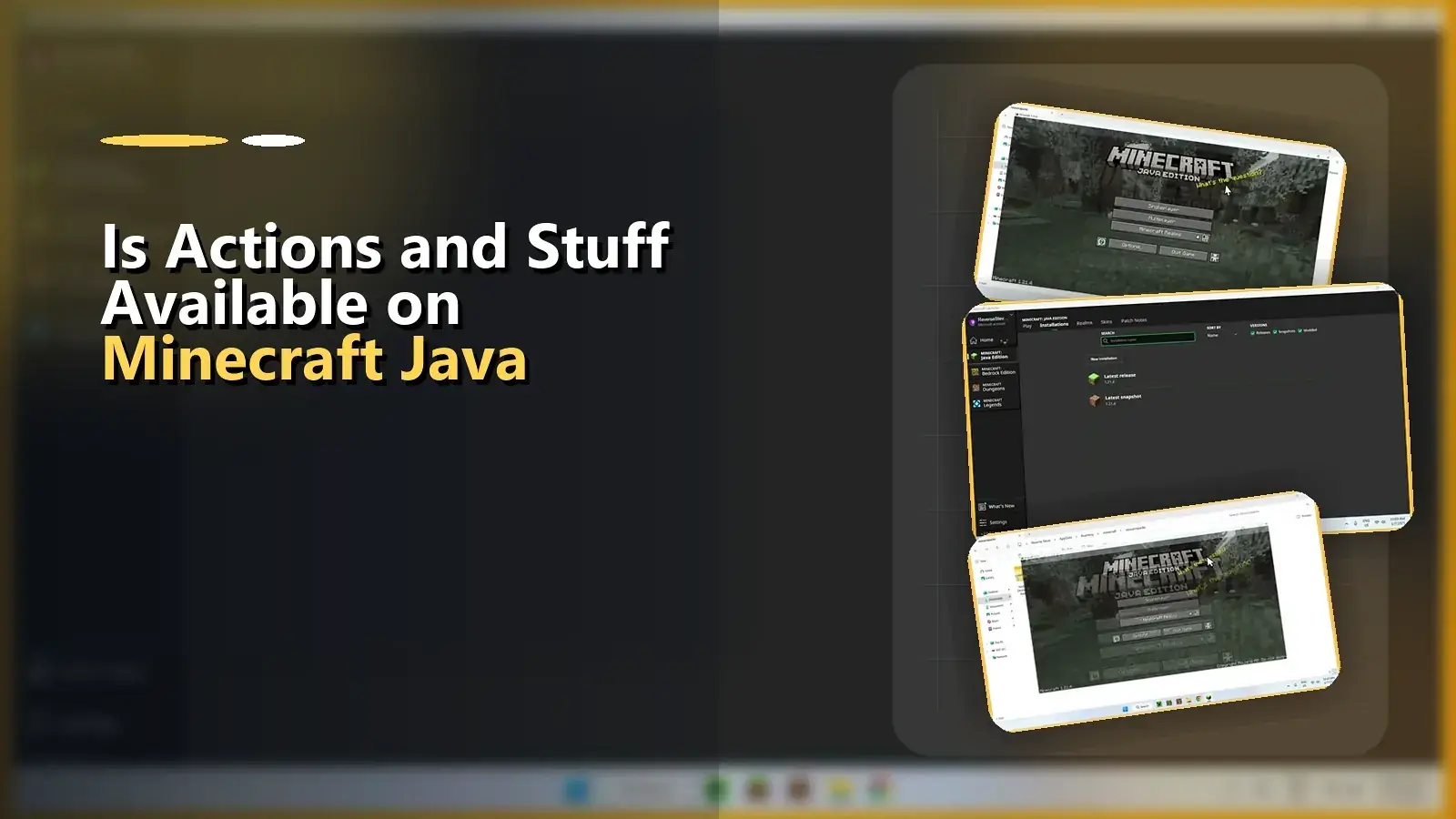
Why the Bedrock file does not install in Java
Minecraft Bedrock and Minecraft Java Edition support different content systems.
Microsoft documents .mcpack as a package format used by Minecraft Bedrock Edition for transferring resource or behavior packs.
Java Edition uses its own resource-pack format and directory structure.
Because of that difference, changing:
Actions_&_Stuff.mcpack
to:
Actions_&_Stuff.zip
does not convert the content into a Java-compatible edition.
The files inside still target the Bedrock content system.
Is there an official Actions & Stuff Java download?
The current official Actions & Stuff product is listed for Minecraft Bedrock Marketplace by Oreville Studios.
Do not confuse Java-compatible animation packs made by other creators with an official Java release of Actions & Stuff. They are separate products.
If Oreville Studios ever releases a Java-specific edition, that should be verified through Oreville’s own channels before this page is updated to claim Java support.
What if you own both Bedrock and Java on PC?
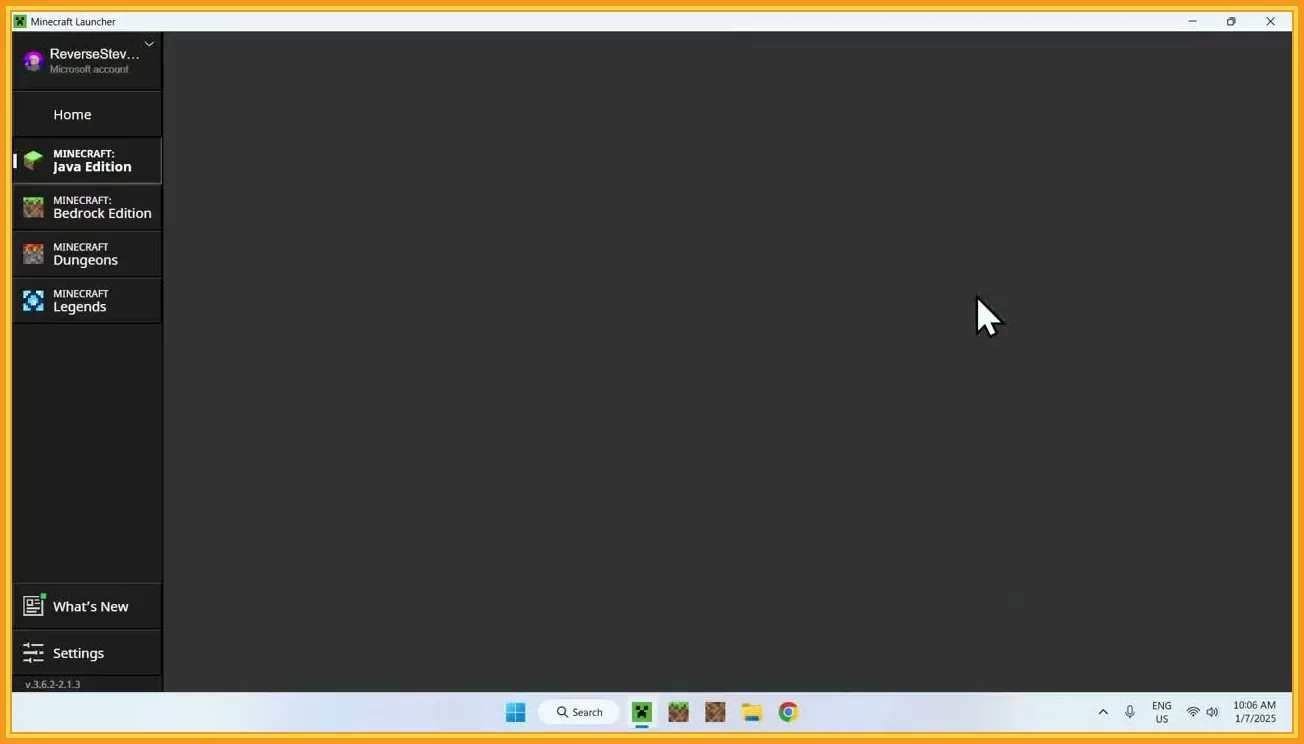
Use Minecraft for Windows / Bedrock Edition when you want to use the Bedrock Actions & Stuff pack.
A Windows computer can have both editions installed, but the fact that they run on the same PC does not make their resource packs interchangeable.
For the Bedrock setup, use the Actions & Stuff Windows guide.
Can the MCPACK simply be converted?
There is no reliable one-click conversion that turns a complex Bedrock pack into a true Java equivalent.
Visual assets can sometimes be recreated or adapted by a developer, but that is different from renaming the archive or moving it into Java’s resource-pack folder.
Actions & Stuff includes Bedrock-targeted content and behavior that would need a Java-specific implementation rather than a filename change.
For a normal player, the practical answer is:
- use Actions & Stuff in Bedrock;
- use a Java-native animation/resource-pack project if you are playing Java.
What should Java players avoid?
Do not follow tutorials that tell you to:
- put the .mcpack directly into Java’s resourcepacks folder;
- rename .mcpack to .zip and expect full compatibility;
- install an Android APK to make the pack work in Java;
- replace Java game files with Bedrock files.
Those steps do not change which Minecraft edition the content was designed for.
Bedrock players on Windows
If you reached this page because you use Windows and were unsure which Minecraft edition you have, check the launcher or game title.
For Minecraft for Windows / Bedrock Edition, use the PC installation guide.
For Minecraft Java Edition, the Actions & Stuff Bedrock package on this site is not the correct file format.
Quick answer
Does Actions & Stuff work directly on Java Edition?
No. The official product is built for Minecraft Bedrock.
Can I put the .mcpack in Java’s resourcepacks folder?
No. A .mcpack is a Bedrock package.
Does renaming it to .zip make it compatible?
No. Renaming a file does not convert its Bedrock content into Java content.