Actions & Stuff on Xbox
On Xbox, the normal way to get Actions & Stuff is through Minecraft Marketplace. Xbox uses Minecraft Bedrock, but it does not use the same manual local-file workflow that Android or Windows players may use for an archived `.mcpack`. For full setup and resource guides, visit Action and Stuff Bedrock.
If you are on Xbox One or Xbox Series X|S and simply want the current creator-published Actions & Stuff product, open Marketplace in Minecraft, search for Actions & Stuff, and verify the creator is Oreville Studios.
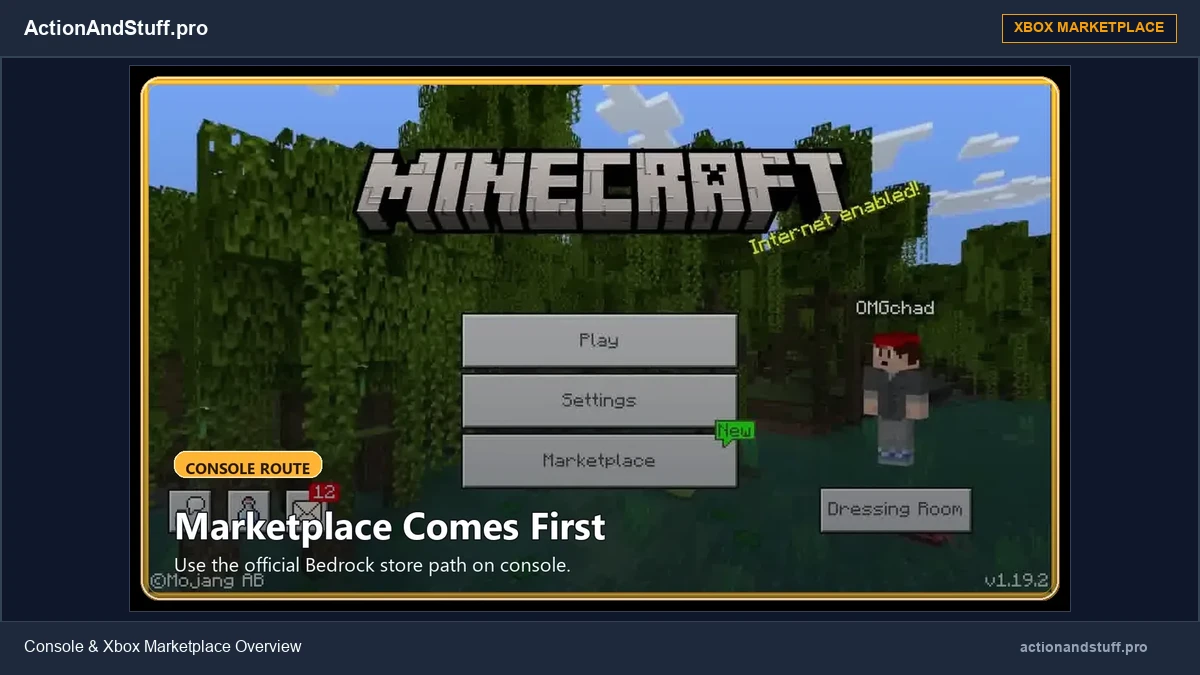
Current Xbox product context
At our September 2026 review, Oreville Studios’ own website presents Actions & Stuff 1.11.1 as the current featured release. Current Marketplace metadata also lists a minimum Bedrock version of 1.21.120 and a price of 1,690 Minecoins on Minecoin-based platforms.
These are volatile details. The price and version displayed inside Minecraft on your Xbox should be treated as the final check before purchase.
How to get Actions & Stuff on Xbox
- Open Minecraft Bedrock on your Xbox.
- Sign in with the account you normally use for Minecraft and Marketplace content.
- Open Marketplace.
- Search for Actions & Stuff.
- Verify that the creator shown is Oreville Studios.
- Open the product page and review the current price/pass status.
- Purchase or access the pack through the Marketplace option shown on your account.
- Allow Minecraft to download the content.
- Apply the pack to the world where you want to use it.
Menu labels can change between Minecraft releases, so follow the current Xbox interface rather than an old screenshot.
Do you need a free Xbox file download?
No manual file download is required for the normal Xbox Marketplace route.
Be cautious with pages that claim an external APK or an ordinary MCPACK can simply be installed on Xbox like an Android phone or Windows PC. An APK is an Android application package, and it is not an Xbox package.
ActionAndStuff.pro’s historical MCPACK archive serves a different purpose and should not be presented as the standard Xbox installation method.
Minecoins and Marketplace Pass
Xbox supports Minecoins for Marketplace purchases. The current Actions & Stuff price has been listed at 1,690 Minecoins during our September 2026 review, and current Marketplace metadata also identifies the product with Marketplace Pass availability.
Subscription catalogs and prices can change. If the pack appears through Marketplace Pass on your account, compare that access with buying the individual product before deciding.
Using the same Microsoft account
Marketplace access is account-managed. If you believe you already own eligible content but do not see it on Xbox, verify that you are signed in to the Microsoft/Xbox account that owns the content before buying it again.
Do not treat an account-entitlement problem as an Actions & Stuff compatibility problem.
Xbox multiplayer and Realms
Minecraft Bedrock multiplayer requires Bedrock players to be on compatible game versions and, on console, may also require the platform’s online multiplayer subscription. If your question is specifically about a Realm, the Realm world’s active content is a separate layer from your local account library.
If the pack is missing or not active
First confirm that Minecraft finished downloading the owned Marketplace content and that you are editing the correct world. Then check the world’s Resource Packs/content settings.
If the pack works on one world but not another, compare the two world configurations. If it stopped working after a Minecraft or Actions & Stuff update, check version compatibility rather than repeatedly purchasing or reinstalling the product.
Other consoles
PlayStation and Nintendo Switch also use the Bedrock Marketplace ecosystem, but their account/currency details are not identical to Xbox. Use the broader console guide for those platforms.