Using Actions & Stuff With Other Texture Packs
Actions & Stuff is designed to work alongside other Minecraft Bedrock texture packs through its Custom Experience option. Oreville Studios specifically documents this mode for players who want Actions & Stuff animations and 3D content while another texture pack supplies the broader texture style. For full setup and resource guides, visit Action and Stuff App.
That does not mean every combination is conflict-free. Pack order and overlapping assets still matter.
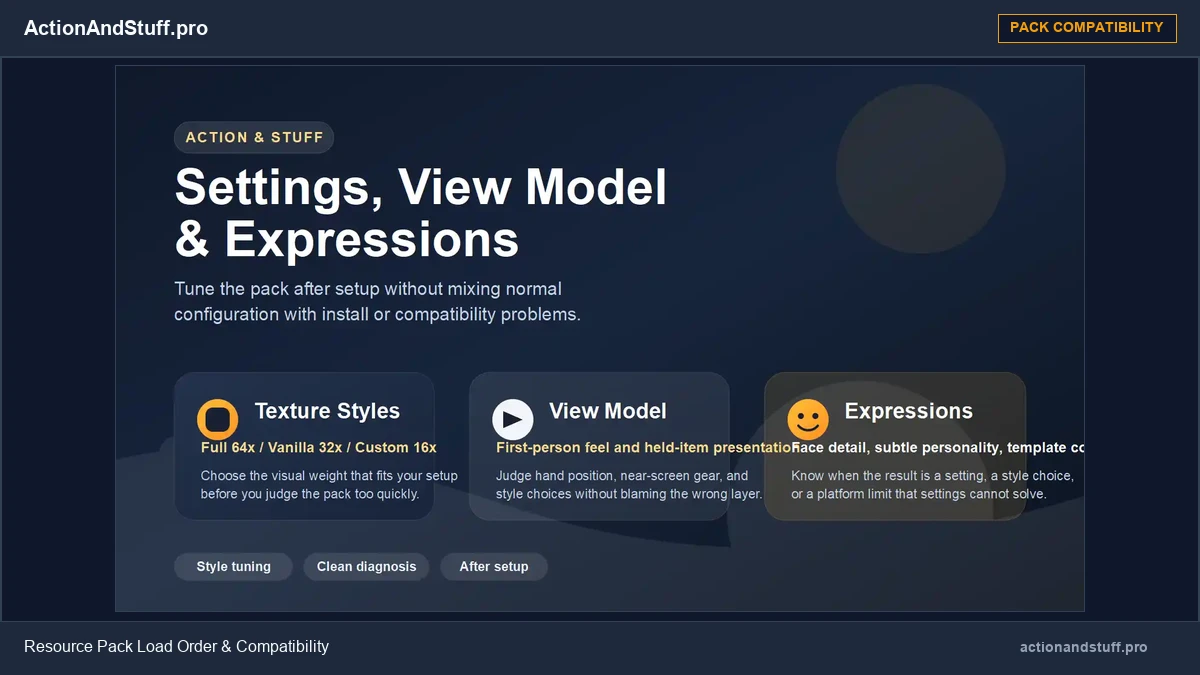
Use Custom Experience
Current Oreville documentation lists three texture styles: Full Experience, Vanilla Experience and Custom Experience.
For another creator’s texture pack, Custom Experience is the relevant option. It keeps the Actions & Stuff animation/3D-item side while allowing the other texture pack to take visual priority where intended.
Recommended pack order
Oreville’s current Texture Styles guide says the custom texture pack should be above Actions & Stuff in the pack order when using Custom Experience.
That priority allows the other pack’s textures to override where appropriate while Actions & Stuff continues supplying compatible animation/3D features underneath.
Why conflicts can still happen
Two packs can change the same texture, model, attachable, particle, UI element or animation-related asset. When that happens, Minecraft must decide which asset wins based on pack priority and how the packs were built.
The result may be a missing feature rather than a total failure. For example, another pack may replace a texture that Actions & Stuff expects while the player animations still work.
Oreville has improved compatibility over time
Actions & Stuff 1.1 specifically focused on improved compatibility with other Add-Ons and custom texture packs. Oreville also introduced creator hooks and presets so Bedrock creators can support Actions & Stuff more deliberately.
Later creator documentation exposes tags and variables that add-on authors can use for item/animation compatibility. That is a stronger foundation than assuming every third-party pack automatically works.
Animation packs deserve extra caution
A second pack that changes many of the same player/entity animations is more likely to conflict than a simple texture-only pack.
Do not publish a universal ‘works with all animation packs’ claim. Test the combination in a temporary world before applying it to an important setup.
What about Vibrant Visuals packs?
Vibrant Visuals adds another visual layer because material/PBR data can overlap too. If you combine Actions & Stuff with another Vibrant Visuals-focused texture pack, test surfaces, entities, 3D items and lighting carefully rather than assuming the pack-order rule solves every material conflict.
Simple troubleshooting workflow
- Select Custom Experience in Actions & Stuff.
- Put the other texture pack above Actions & Stuff as Oreville recommends.
- Test a simple world.
- Check player animations, held items, mobs and the textures most important to you.
- If something breaks, temporarily remove the other pack to confirm the conflict.
- Recheck both packs after major updates.
Do not confuse Custom Experience with performance mode
Custom Experience is about compatibility and presentation, not a promise of higher FPS. Similarly, Full and Vanilla Experience are not official low/medium/high performance presets.
Keep performance troubleshooting separate from pack-style selection.
Learn how subpack layers interact with custom skins in our Expressions template guide.