Actions & Stuff and Vibrant Visuals
Actions & Stuff has official support for Minecraft Vibrant Visuals. Oreville Studios introduced that support in Actions & Stuff 1.8 and rebuilt a large part of the pack’s visual material so blocks, entities, 3D items and particles could respond properly to Minecraft’s newer lighting system. For full setup and resource guides, visit Actions and Stuff Bedrock.
This page explains what that support means and what it does not mean. It is not a promise that every device will deliver the same graphics or frame rate.
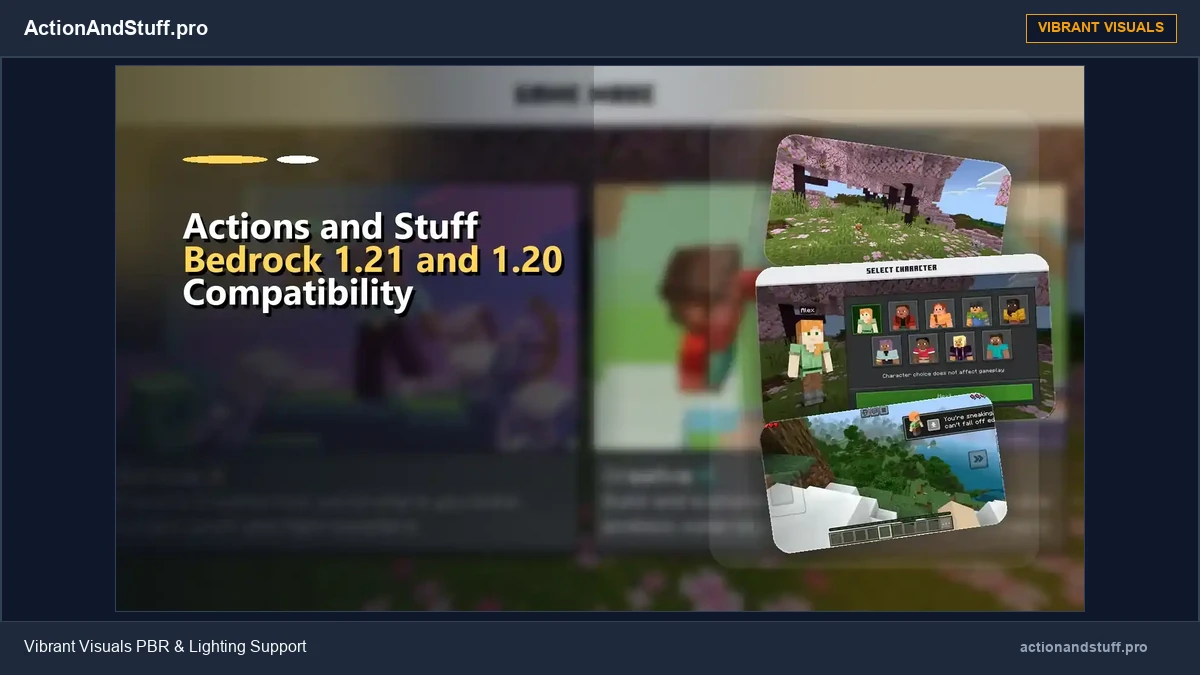
What changed in Actions & Stuff 1.8?
Oreville’s 1.8 update highlighted five major visual additions: Vibrant Visuals support, different atmospheres for biomes, custom skyboxes for different times of day, PBR textures, and stylized water.
That made 1.8 a significant visual update rather than a simple compatibility patch.
What are PBR textures?
PBR stands for physically based rendering. In Oreville’s own 1.8 guide, the team describes preparing PBR information for blocks, entities and 3D items so surfaces behave more naturally under the Vibrant Visuals lighting system.
The guide discusses material properties such as metalness, emission, roughness and subsurface, along with normal maps for extra surface detail.
In practical terms, those maps help Minecraft distinguish between surfaces that should look matte, reflective, glowing, metallic or more dimensional under the new lighting.
Biome atmospheres and skyboxes
Vibrant Visuals support is broader than making one block shiny. Oreville’s 1.8 work also added distinct biome atmospheres and custom sky presentations for sunrise, noon, sunset and midnight.
The purpose is visual consistency: lighting, water and environmental presentation should feel like part of the Actions & Stuff art direction rather than a separate shader layered over unrelated textures.
Stylized water
Actions & Stuff 1.8 also introduced stylized water as part of the Vibrant Visuals update. Treat that as a pack visual feature, not as proof that every old archived version includes the same water treatment.
If you are using this site’s historical v1.10 file, it is newer than the initial 1.8 Vibrant Visuals support, but later Marketplace releases can still contain fixes and additions beyond v1.10.
Do you need to change texture styles?
Actions & Stuff currently documents Full Experience, Vanilla Experience and Custom Experience as its texture-style choices. Those are presentation choices, not a simple low/medium/high performance ladder.
Vibrant Visuals and texture style are related parts of the visual experience, but do not treat ‘Full’, ‘Vanilla’ and ‘Custom’ as guaranteed FPS presets.
What if Vibrant Visuals looks wrong?
Start with version and pack conflicts rather than random device tweaks.
Check which Minecraft Bedrock version you are using, which Actions & Stuff release is active, and whether another resource pack is replacing the same textures or material data. Test a simple world with only Actions & Stuff active when practical.
If the problem appeared immediately after a Minecraft or pack update, treat compatibility as the first question.
Current product context
The current Oreville product listing continues to advertise Vibrant Visuals as part of the Actions & Stuff experience. That makes this an active feature area rather than a one-time 1.8 experiment.
For a broader explanation of animations, 3D items, armour, textures, particles and other changes, use the main feature guide.