Actions & Stuff MCPACK Download for Minecraft Bedrock
The Actions & Stuff file offered through ActionAndStuff.pro is a Minecraft Bedrock `.mcpack`, not an Android application. This page is for players who specifically want the MCPACK route and already understand that the site’s file is the archived v1.10 release rather than the current Oreville Studios Marketplace version. For full setup and resource guides, visit Action and Stuff Bedrock.
If your goal is simply to get the current creator-published product, use Minecraft Marketplace. If your goal is the archived v1.10 file supplied by this site, use the download button below and then import it with Minecraft Bedrock.
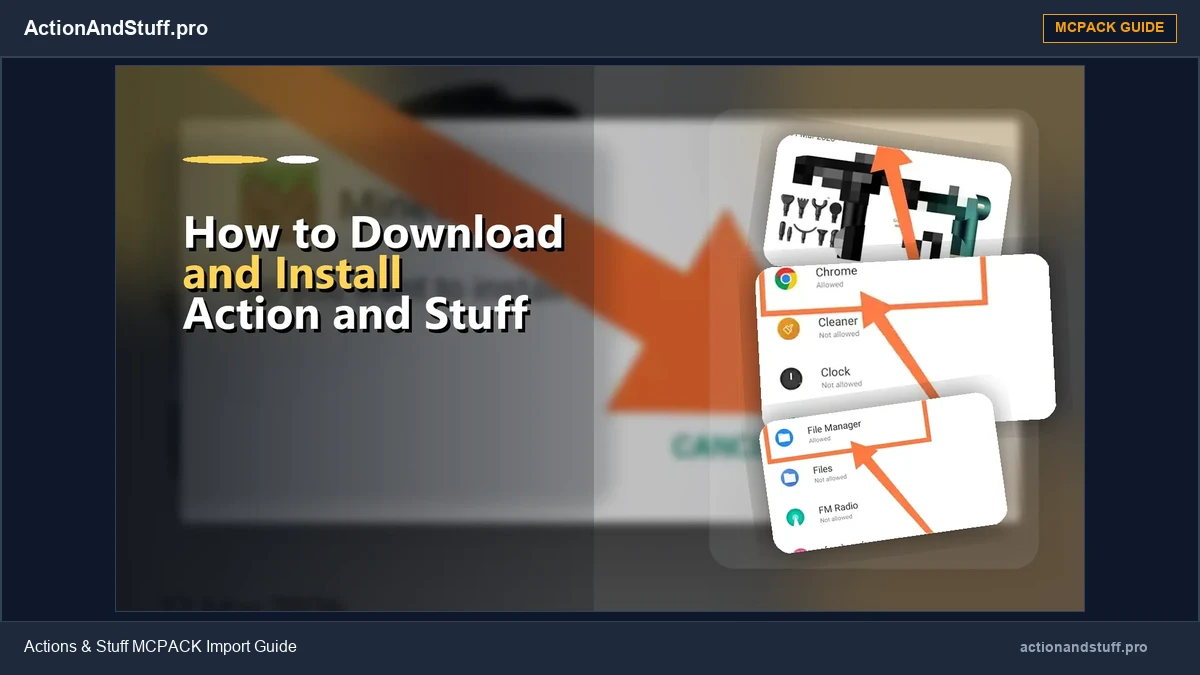
Download the archived v1.10 MCPACK
The version context matters: v1.10 is a historical Actions & Stuff release. Oreville Studios has continued updating the product, and the current official site now presents Actions & Stuff 1.11.1. Keep the archive label visible near the CTA so a user does not mistake the file for the newest Marketplace release.
What is an MCPACK file?
An `.mcpack` is a package format used by Minecraft Bedrock for content such as resource packs. When the operating system associates the file with Minecraft, opening the package can hand it to Bedrock for import.
That is different from installing an APK. An APK installs an Android application. The file on this page does not replace Minecraft and should not be described as a standalone Actions & Stuff app.
Where can you use the MCPACK route?
The manual file-import route is most relevant on devices where you can open a local Bedrock content file, such as Android, iPhone/iPad and Minecraft for Windows. The exact hand-off step differs by operating system.
Console players should normally use Minecraft Marketplace rather than treating a local MCPACK file as the standard Xbox, PlayStation or Nintendo installation route. Java Edition is also separate: a Bedrock MCPACK is not a Java resource-pack format.
How to import the file
The basic import path is intentionally short:
- Download the `.mcpack` file.
- Open or share the file with Minecraft Bedrock.
- Wait for Minecraft to process the import.
- Edit the world where you want to use Actions & Stuff.
- Open Resource Packs and activate the imported pack for that world.
- Load the world and check that the pack is active.
The dedicated install page contains the device-specific Android, iOS and Windows steps.
MCPACK vs Marketplace
A manual archived MCPACK and a Marketplace purchase are not the same entitlement or update path.
The archived file remains the specific release you downloaded. It does not automatically turn into the current Marketplace version when Oreville publishes an update. Marketplace content, on the other hand, is managed through Minecraft and the account/platform ecosystem.
Use the MCPACK archive when you deliberately need that historical file. Use Marketplace when you want the current creator-published commercial product.
Before using an older MCPACK
An older file importing successfully does not prove it is the best match for a newer Minecraft Bedrock build. Minecraft and Actions & Stuff both change over time.
If an archived release imports but textures, models or animations behave unexpectedly, first check the version relationship and test without other visual packs before repeatedly reinstalling anything.
Need another historical version?
ActionAndStuff.pro keeps a historical archive for users who intentionally need an older release. Do not choose a file only because its version number looks similar to your Minecraft version; the two products use different versioning.
Quick answers
- Is the file on this page an APK? No. It is a Bedrock `.mcpack`.
- Does an MCPACK include Minecraft? No. Minecraft Bedrock must already be available on the device where you import the pack.
- Is v1.10 the current official Actions & Stuff release? No. It is the archived file supplied by this site.
- Can Java Edition use this MCPACK directly? No. Java Edition uses a different resource-pack system.
Learn how mobile browsers handle file downloads in our Action and Stuff MCPE guide.